A real browser uses the form.
LeadUptime opens the public HTTPS page, finds the supported form, fills made-up test values, and presses the real submit button once.
 LeadUptimeLEAD JOURNEY MONITORING
WORDPRESS FORM MONITORING
A green homepage is not enough. LeadUptime uses the public form, confirms the same test in WordPress, and shows the first failed step.
Updated

WHAT LEADUPTIME CHECKS
LeadUptime opens the public HTTPS page, finds the supported form, fills made-up test values, and presses the real submit button once.
The plugin matches a one-time marker. A random successful request cannot make the check pass.
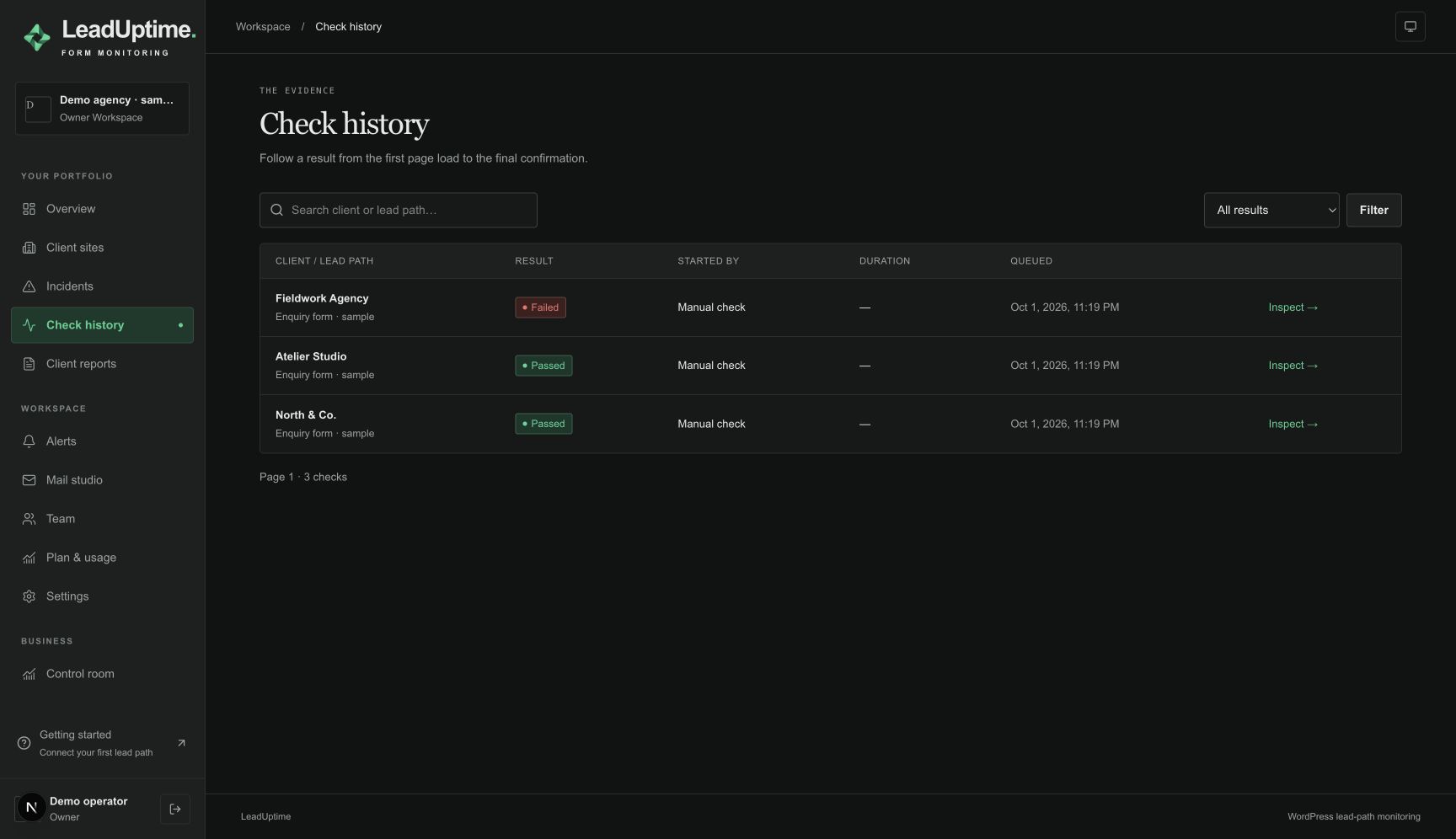
See page, submit, WordPress confirmation, visible success, and expected tracking in order — with redacted evidence and an incident when needed.
Group sites and lead paths, schedule checks, route operational email or signed webhooks, and share private expiring reports with clients.
SETUP
Start with one public contact page, one agreed test destination and a result your team can explain. A working connection and a working form are separate milestones.
An administrator installs the supplied LeadUptime connector and pairs it with the workspace. Confirm that the intended form appears in discovery. Use the published public HTTPS page, rather than an editor preview or a page behind a login.
Record the name, email and message inputs, plus any required phone field, choice or consent step. Agree recognizable synthetic values and valid options. A form with conditional fields needs a configuration that follows the intended route.
Record the visitor-facing confirmation and the matching WordPress acknowledgement. Add a browser tracking event only when it is part of the agreed check. Email receipt and a CRM record need their own evidence.
Inspect the first run before enabling a recurring schedule. Confirm the field values, result and alert recipient. Repeat this review after changing the form, its theme, consent settings or a required integration.
READING A RESULT
| Stage | Expected evidence | When evidence is missing |
|---|---|---|
| Page | The intended public form is visible and ready. | Check the URL, availability and page rendering. |
| Submission | The browser sends one marked test. | Inspect required fields and the submission response. |
| WordPress | The site acknowledges that same test. | Check the connector connection and form configuration. |
| Success and tracking | The configured confirmation and event are observed. | Investigate the missing stage using the run evidence. |
FAQ
Adapters exist for Contact Form 7, WPForms and Elementor Pro Forms. Contact Form 7 and WPForms Lite passed a full 24-hour candidate test with 72/72 scheduled checks; each installation and Elementor Pro still need qualification.
No. Synthetic checks use made-up values, and genuine lead content is not sent to the LeadUptime cloud.
The monitored form must be on a public HTTPS WordPress page that the checking browser can reach.
No. The plugin connects outbound to LeadUptime; the cloud cannot issue remote commands to the site.
PRIVATE PILOT